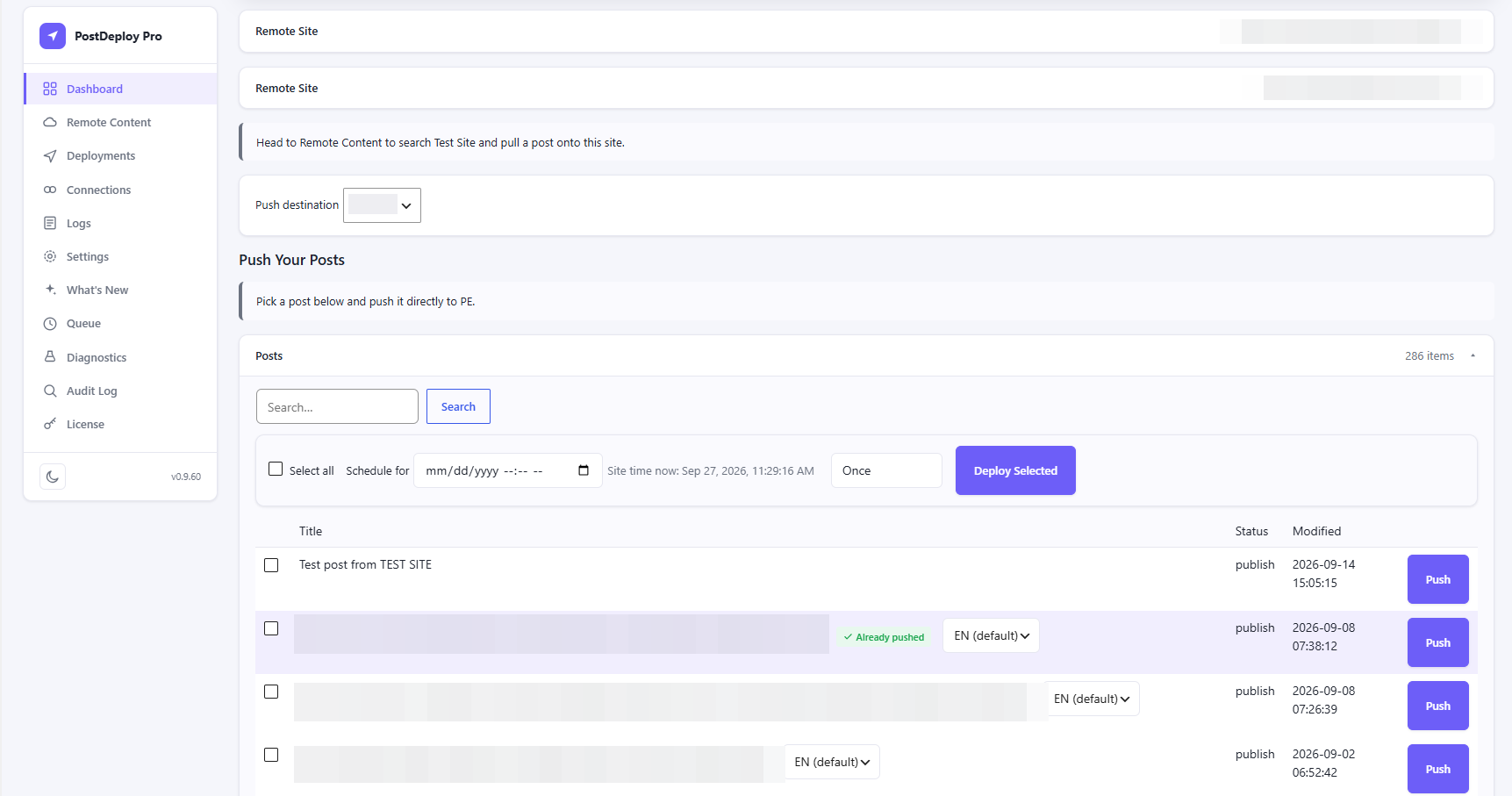
Deployment preview
Real field, term, media, and ACF counts on the Review & Pull screen before you commit — not a flat "Included" placeholder.
Features
Posts, Pages, and custom post types already move correctly with the free core engine. Pro is what makes the content inside them keep working — plus the workflow tooling a multi-site team actually needs.
A plain copy keeps the source site's IDs. Pro rewrites every one of them to what they should be on the destination.
Image, file, gallery, relationship, and post-object fields — including inside Repeater, Flexible Content, and Group sub-fields — get rewritten to the destination site's real IDs. Taxonomy fields resolve by slug; User fields match the destination account.
ACF integration detailsThe full page arrives as designed. Every image — backgrounds, galleries, tabs, even images inside HTML widgets and relative paths — is copied to the destination's media library and re-linked. Page settings such as Hide Title and custom CSS come along, along with the page template, and internal links repoint at their migrated copy.
Elementor integration detailsPush one language, or every language in a translation group at once. Pull a specific translation from Remote Content and have it linked correctly into the destination's language group.
WPML integration detailsDivi bakes image and background URLs directly into its shortcode and block markup instead of linking them by attachment ID — every reference is found and rewritten to the destination's real copy, tablet and phone background variants included, in both classic Divi 4 and block-based Divi 5 content. The Gallery module's attachment-ID list resolves correctly too.
Divi integration detailsReal field, term, media, and ACF counts on the Review & Pull screen before you commit — not a flat "Included" placeholder.
Select multiple posts and deploy now, once at a future time, or on a recurring schedule — for pushing your own content and pulling from a connection alike.
Pick a destination right on the post editor screen, and PostDeploy queues a push to that site as soon as the post goes live — including a normal WordPress scheduled publish, not just a manual click. It's opt-in per post, fires once when the post is published, and anything you don't set up stays untouched.
The Dashboard flags any page that's been pushed before but edited again since — a clear status right next to it, scoped to the exact destination it's gone stale against. Nothing pushes on its own; you decide when it's ready and push it yourself.
Undo a deployment, or browse every past restore point for a post and roll back to any of them. Old snapshots prune automatically after 90 days.
wp postdeploy status / connections / push / pull / deployments / retry / rollback — the exact same service layer the admin screens use.
A dedicated postdeploy-pro/v1 API for deployments, diagnostics, and capabilities — authenticated like any WordPress REST endpoint.
Environment, connection, media, and queue health in one place — plus a record of who deployed what, from where, and whether it succeeded.
Connect a WordPress multisite subsite the same way you'd connect any standalone site — its own URL, its own connection. The same reference resolution and conflict detection apply, no extra setup required.
No, and it isn't meant to. A full migration tool clones or syncs an entire site or database. PostDeploy deploys specific content — the thing you actually want most of the time, which is pushing one finished page or post without touching anything else.
No. PostDeploy Pro has its own complete, independent engine built in — installing just Pro gives you everything, including Posts/Pages/CPT migration and unlimited connections, not only the Pro-only reference resolution.
Plain Posts, Pages, and custom post types migrate with the free core engine either way — titles, content, excerpts, categories, tags, and the featured image. Pro's reference resolution only kicks in for the plugin-specific data those three integrations store.
Themes, plugins, and site settings stay put — and so do Elementor Theme Builder layouts and images that aren't in the media library. A page's template name is carried across, but the theme's template file still has to exist on the receiving site. See the docs for the full list.
Start free, or get Pro for ACF, Elementor, WPML, Rollback, and automation.
PostDeploy Pro — stop copy-pasting content between WordPress sites.
Get Pro